YugSamvad · Politics & History
Politics & HistoryMicrosoft's step-motherly treatment of Mithilakshara and Indian scripts
Shri Vinay Jha · English edition 23 October 2026 · Hindi original 25 September 2020 · 10 min read
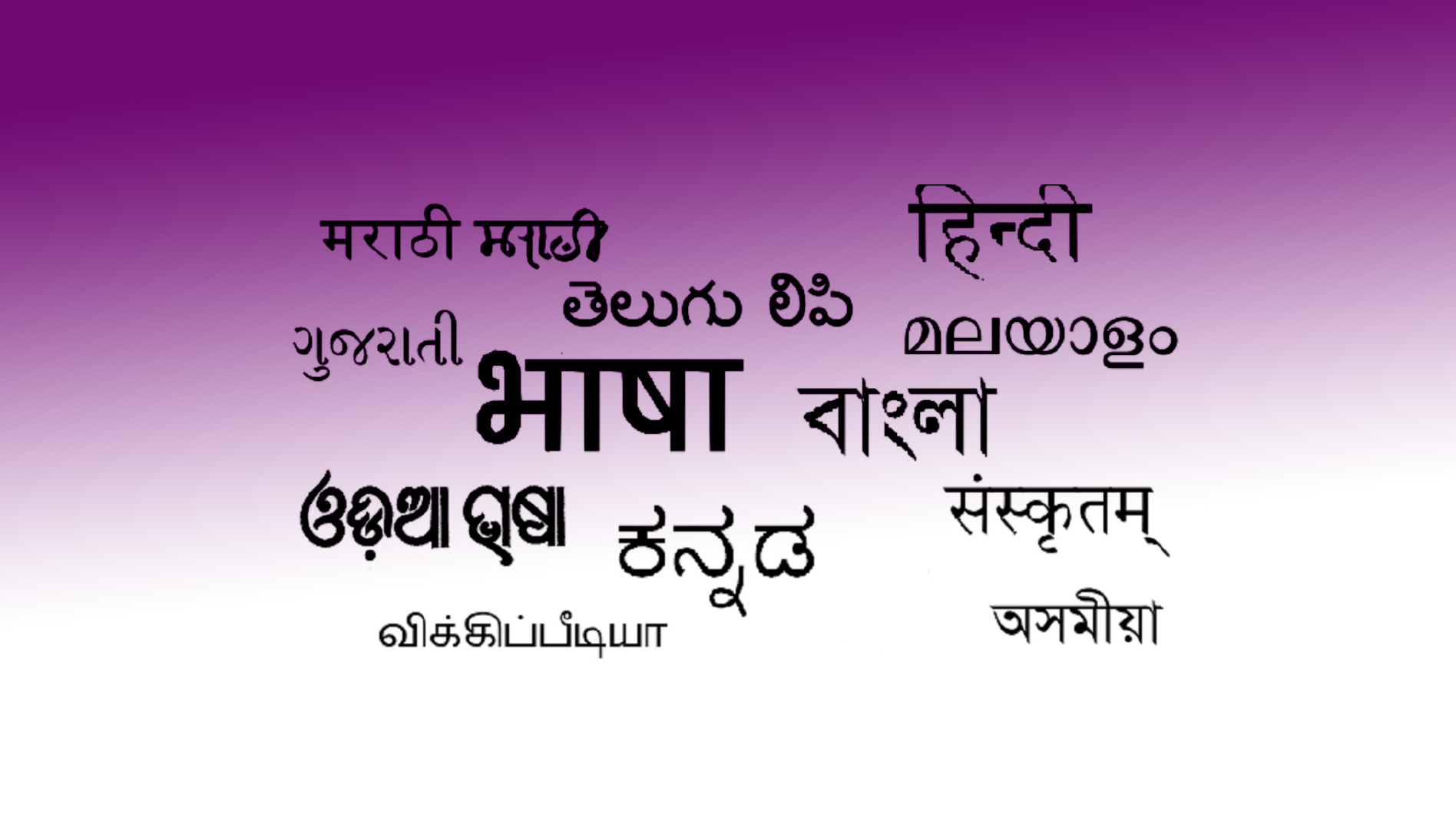
Microsoft allows typing in Devanagari in its Mangal font, but neither typing nor copy-pasting is possible in the Mithilakshara of the SMP (Supplementary Multilingual Plane) block. This is because LOOKUP is restricted within its Word program, without which typing in any Indian script is impossible. Since Indian scripts contain numerous conjuncts that cannot be typed directly via the keyboard (as keyboards do not have that many buttons), they are rendered inside the font using the LOOKUP technique.
Microsoft does not block LOOKUP for its Mangal font, but it will not permit typing or copy-pasting in the Mithilakshara of the SMP block unless permission is obtained from Microsoft (by paying money)! If the MithilaUni font is selected in Microsoft's own Notepad and text is pasted into it from the "Mithilakshara Lekhapatta" (Mithilakshara writing pad), it does not block LOOKUP; yet LOOKUP is restricted in the expensive Word! However, while Unicode can be pasted into Notepad, typing in a Unicode font is not possible there. In Microsoft Word, typing in a Unicode font is possible through symbol-insertion, but LOOKUPs for all fonts from the Unicode SMP block are unjustifiably restricted!
In Microsoft Word, other programs, or any internet browser, Devanagari and other Indian scripts can be typed only through special software, such as Google or Microsoft input tools, various Inscript keyboards, etc., where you are forced to type Devanagari using the Roman script! That is, you will be able to type in Indian scripts only when you type through the Roman script! It is not difficult to guess what the intention of the Vatican is behind this conspiracy to make typing in all Indian scripts arduous and thereby render the Roman script immortal.
Like Microsoft, Google and the Government of India's CDAC also have similar policies—discarding the prevalent typewriter keyboards of Indian scripts, these Indian and foreign companies provide arbitrary keyboards to which no typist is accustomed. It is a matter of wonder why a company of the Government of India does this, because the government spends money on the so-called promotion of Indian languages, which is collected as tax from us people. If these people were to make word processors for Indian scripts using the prevalent typewriter keyboard, Indian typists would be able to type easily. CDAC has created a similarly absurd program for Mithilakshara as well, whose keyboard is arbitrary, and to top it all off, it is an online keyboard requiring symbols to be inserted, making typing very slow.
In the Mithilakshara Lekhapattika, except for "Z", all alphanumeric (A-Z, a-z, 0-9 are called alpha-numeric) buttons are laid out like the Devanagari typewriter so that typing is swift. An unnecessary symbol on "Z" was removed and the necessary symbol was provided. Necessary symbols were also provided in the upper case of numeric buttons and other buttons, so that all symbols are accommodated on the keyboard. There is no button at all for the long "ū" in the Devanagari keyboard, which is a major problem.
To create the Mithilakshara Lekhapattika, I could not find a single sample program on the internet for building a word processor in the SMP block; I found either theoretical nonsense that offered no practical help whatsoever, or samples that were useless for the SMP block. The Indian government company CDAC's "GIST-Tirhuta" font is also the first attempt by any Indian company in the SMP block, and it too initially started making this font incorrectly in the BMP (Basic Multilingual Plane) block, though it corrected it later. However, even after correction, it did not remove many errors, regarding which I have to post an article later. Apart from CDAC's "GIST-Tirhuta" font, I have not been able to find an example of any font created in the SMP block by any Indian (other than myself) even upon searching.
I had created the Mithilakshara keyboard font 16 years ago, through which clean typing is possible in Microsoft Word and all other programs, but wicked people like Bhavanath Jha call that old font outdated (for 16 years they did not even mention its name; recently when several people told them about it, they started abusing me). Even today, for direct typing in all programs including Word and Photoshop, that same old font is the best font. So many symbols were not possible in a single font, hence the symbols had to be distributed across three fonts. Recently, I integrated all of them into a single Unicode font, MithilaaksharKBD (all the symbols remain the old ones), because the range in Unicode is unlimited. But Unicode has recognized Mithilakshara in the SMP, which Microsoft and others have unjustifiably restricted. Therefore, using Unicode technology, I created MithilaaksharKBD right within the Latin range of the Roman script (that is, the standard keyboard) so that typing in Mithilakshara could be done in Word, Photoshop, Internet Explorer, Chrome, etc.—because creating the font in the Roman range tricks those programs into thinking it is the Roman script, which is why they do not raise obstacles! However, LOOKUP remains restricted in the Roman range, so even though it was possible in the MithilaaksharKBD font, I did not use the LOOKUP technique. Type with this font using the keyboard in Microsoft Word and bring in the conjuncts via symbol-insertion; then you can use that text on the internet as well, though you will have to place that font in Chrome's settings (via settings or extensions). The specialty of MithilaaksharKBD, built from the old font, is that you can convert the entire Chrome browser along with all its buttons etc. into Mithilakshara (or your script of choice); through this method, it is possible to completely remove the Roman script from the internet.
In Unicode, Mithilakshara is in the SMP block, which Microsoft has unjustifiably restricted; therefore, I had to build a separate "Mithilakshara Lekhapattika" word processor for it. In "Mithilakshara Lekhapattika," Mithilakshara typing is done directly via the keyboard, whereas Mithilakshara is in the SMP block, a provision for which does not even exist in Microsoft Word or Charmap.
Foreign companies deliberately create such problems for all Indian scripts so that Indian scripts vanish and the Roman script is propagated. Even in Devanagari keyboard-fonts, there used to be no button for the long "ū", and in software that lacked a symbol-insertion facility, you simply could not type Devanagari properly. Now, with the advent of Unicode fonts, these problems have increased rather than decreased—there is no Unicode font for any Indian script in which one can type using a typewriter-style keyboard; either arbitrary layouts are made, or one is forced to type Devanagari, Bengali, Tamil, etc., in the Roman script. It is clear that a covert conspiracy is underway to make Indian scripts unpopular, and the government of India is also complicit in it—government companies like CDAC are prime examples.
Currently, for typing in Mithilakshara, "Mithilakshara Lekhapattika" is the only keyboard-typing program; the other program is by government-run CDAC, but its font is also flawed and its keyboard is arbitrary. However, "Mithilakshara Lekhapattika" is a simple notepad; in it, only a single font, a single font size, and a single font style are possible at a time. Building complex software like Microsoft Word for Mithilakshara will take a lot of time. One could type in "Mithilakshara Lekhapattika" and assemble it in Microsoft Word with various font sizes, styles, colors, etc., but because SMP is restricted in Microsoft Word, using any Mithilakshara font of the Unicode range is not possible there. MithilaaksharKBD is best for Microsoft Word (where typing in various font sizes, colors, etc., is possible in a single document, although people like Bhavanath Jha call it "outdated").
In my last post, I gave an example of software more complex than "Mithilakshara Lekhapattika" and somewhat simpler than Microsoft Word, in which the SMP is not restricted. Therefore, by pasting the typed material from "Mithilakshara Lekhapattika" into it, a single document can be assembled with multiple font sizes, colors, styles, etc., and photos can also be pasted into it. That software can also be used for other Indian and miscellaneous scripts because LOOKUP functions in it. I have named it "Universal Wordpad"; I have not distributed it yet. One can also type directly in it, but it will require a special input tool for Unicode fonts because the keyboard is in the Latin range, as per Unicode rules. Therefore, after typing in "Mithilakshara Lekhapattika" and pasting it into "Universal Wordpad", font sizes, colors, and styles can be changed, a screenshot of which I showed in the previous post. "Universal Wordpad" can be used in this manner for other Indian scripts as well. Microsoft Word is only for a single plane (BMP), whereas "Universal Wordpad" is for all 17 Unicode planes.
"Mithilakshara Lekhapattika" and "Universal Wordpad"—both these softwares are built in Visual-C#, but combining both into a single software is difficult because many modules will then clash with each other. I have added the code of "Mithilakshara Lekhapattika" into "Universal Wordpad" and there is no obstruction in the working of the program, but only the "Universal Wordpad" portion functions; the "Mithilakshara Lekhapattika" portion remains suppressed. If both functions start working within a single software, it will become the world's best word processor in which clean typing in all the scripts of the world will be possible. For now, the only way is to type in "Mithilakshara Lekhapattika" (or the notepad of your own script) and paste it into "Universal Wordpad" to give it the desired look and color. After making some more improvements, I will upload "Universal Wordpad".
Let me clarify that it is not necessary to install its font (MithilaUni.ttf) for "Mithilakshara Lekhapattika"; the font is embedded inside this software. The second specialty of this software is that you will not have to install its future versions (including the font); if your computer remains online, as soon as a new version of this software is uploaded, it will get installed on your computer. However, this software's website (Wikidot) is a free website of mine acquired from a Polish company; I do not know whether this Polish company restricts the auto-update feature or not. Therefore, after some time, I am going to upload the third version of "Mithilakshara Lekhapattika", and I need to know whether it auto-installed or not. If the auto-install feature works, I will implement the same in "Universal Wordpad" and in due course make it accessible for all Indian scripts.
For a permanent solution to such problems, I want a word processor in which typing in all modern and ancient scripts of the world is possible and the user can change the keyboard layout according to their convenience. This is a difficult task, but it is possible.
I bought Microsoft Office by paying money; an example of how its Word behaves with my script 'Mithilakshara' is attached—SMP has nothing to do with the Roman or Devanagari script, yet LOOKUP is restricted in the SMP block so that neither typing nor copy-pasting is possible in Mithilakshara.
Read this too,
Cite this article
Shri Vinay Jha. “Microsoft's step-motherly treatment of Mithilakshara and Indian scripts”. YugSamvad, 23 October 2026. https://yugsamvad.com/en/articles/maaikrosophta-kaa-mithilaakshara-va-bhaarateeya-lipiyon-se-sautelaa-vyavahaara
https://yugsamvad.com/en/articles/maaikrosophta-kaa-mithilaakshara-va-bhaarateeya-lipiyon-se-sautelaa-vyavahaara · accessed
Related reading
When a communist said, "Let the people taste blood!"
Just recently, I read Raj Thapar's book *All These Years*. Compiled from her diaries following Raj Thapar's (1926–1987) demise, this memoir was published in 1991. The book contains a total of 24 chapters, and the final chapter remains incomplete, owing to Raj Thapar's untimely death from cancer
23 October 2026 · 5 min read
Aung San Suu Kyi: Every Indian's Salute to Myanmar's Mother
Salutations to Myanmar’s Nobel laureate Mother Aung San Suu Kyi, who brushed aside international pressure to stand steadfastly with her nation. Defying the stripping of numerous awards already and the threats of global leftist powers to revoke her Nobel, she stood by her country. Today, every citizen of Brahmadesh (traditional name for Myanmar)
17 October 2026 · 3 min read
Why Citizenship Amendment Bill is a Historic Move?
The kind of courage which Modi government has shown in not yielding to the political pressure coming from Assam over Citizenship Amendment Bill 2019 and continued going forward in the right direction is really commendable and worth applauding. The bill is probably one of the firs
13 January 2019 · 2 min read